
Oshi Casino App for Australia

Oshi Casino does not publish a native application on Google Play or the Apple App Store, since both stores restrict real-money gambling apps for Australian users. The platform instead installs as a Progressive Web App through the standard mobile browser flow, delivering near-native performance without an APK download. Industry observers consider the PWA format the practical workaround for offshore brands operating in restricted markets like Australia, since it removes the need for store approval while preserving full lobby, cashier and live-chat functionality. This page covers installation steps for Android and iOS, alongside the available features.
Does Oshi Casino Have a Native App?
No native Oshi Casino app exists on either the Google Play Store or the Apple App Store. Major mobile stores enforce policies restricting real-money gambling apps in Australia, which prevents official store distribution. Players who find APK files claiming to be an Oshi Casino app on third-party sites should treat them as unverified — these can carry malware or phishing layers and are not endorsed by the operator.
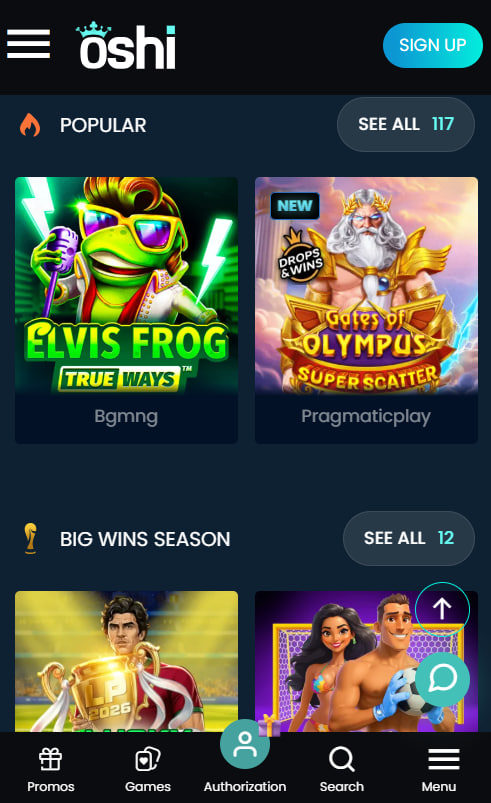
Installing Oshi Casino on Android
Android installation uses the built-in Add to Home Screen feature in Chrome or any Chromium-based browser, completing in around ten seconds across modern handsets running Android 8.0 and above.
Step-by-Step Android Installation
Open the Oshi Casino site in Chrome on an Android device, then tap the three-dot menu in the top-right corner of the browser. Select Add to Home Screen, confirm the suggested name, and tap Add. The Oshi Casino icon appears on the home screen and launches in full-screen mode that mimics a native app.
Android System Requirements
The PWA works on Android 8.0 and later. Compatible browsers include Chrome, Samsung Internet, Edge Mobile and Brave. Storage footprint is around 20 MB once installed, which is significantly lighter than a typical native casino app.
Notifications and Bonus Alerts
Push notifications for bonus drops and tournament reminders can be enabled during the install prompt or later through the Oshi Casino account settings. Notifications can be muted at any time without removing the home-screen icon.
Installing Oshi Casino on iOS
iOS installation requires Safari rather than Chrome, since the Add to Home Screen flow on iPhone and iPad runs through the Safari share menu. The platform supports iOS 13 and later.
Step-by-Step iOS Installation
Open the Oshi Casino website in Safari on an iPhone or iPad, then tap the Share icon at the bottom of the browser. Scroll down and select Add to Home Screen, edit the icon name if needed, then tap Add. The Oshi Casino icon appears on the home screen and launches in full-screen mode without browser chrome.
iOS System Requirements
The Oshi Casino PWA runs on iOS 13 and later through Safari. Chrome and Firefox on iOS cannot install Progressive Web Apps as home-screen shortcuts because Apple restricts PWA installation to the system browser.
iPad Compatibility
The same PWA install flow applies to iPads running iOS 13 or iPadOS 14 and above. The layout scales automatically to the larger screen with no separate version required.
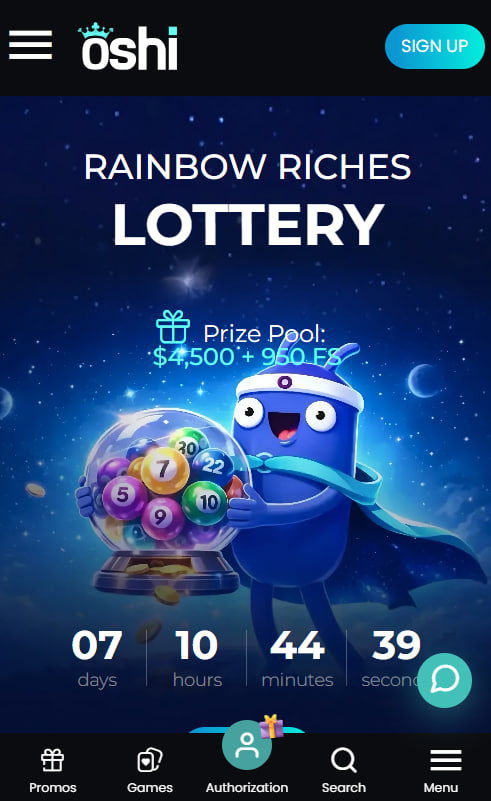
Mobile Browser Without Installation
Players who prefer not to install the PWA can simply open the Oshi Casino website in any modern mobile browser. The lobby, cashier, live chat and game catalogue work identically through the browser as through the PWA shortcut. Compatibility extends across Chrome, Safari, Firefox, Edge, Samsung Internet, Brave and Opera Mobile. The trade-off is a slightly different user interface — the browser address bar and navigation controls remain visible, reducing the available screen area for game play.
Mobile Features and Live Dealer Compatibility
The full Oshi Casino feature set is available on the PWA. Players retain access to the same catalogue, the same banking options and the same support channels as on desktop, including the welcome bonus described on the bonus page.
Mobile features available on the Oshi PWA
- Complete pokie lobby including Megaways, jackpots and bonus-buy titles
- Live dealer streaming on Evolution Gaming and Ezugi tables in HD
- Cashier access for PayID, cards, Skrill, Neteller and major cryptocurrencies
- 24/7 live chat support and KYC document upload directly from the phone
- Push notifications for bonus drops, tournaments and prize-drop campaigns
Performance and Troubleshooting
Performance issues on the Oshi Casino PWA usually trace back to network conditions, browser cache or out-of-date OS versions. New users can also start fresh from the registration page if account-side issues appear during the install flow.
Common mobile issues with solutions
| Issue | Fix |
|---|---|
| Lobby slow to load | Switch from 4G to Wi-Fi or clear the browser cache |
| Game freezes mid-spin | Close the tab and relaunch; check device storage and free RAM |
| Live dealer stream stutters | Switch to Wi-Fi; close background apps that consume bandwidth |
| PWA icon not appearing | Reinstall through Add to Home Screen and grant browser permissions |

Indigo Templeton
Indigo Templeton reports on offshore-licensed online casinos serving Australian players at oshi-casinos.com, focused on the SoftSwiss-powered Oshi Casino operated by Dama N.V. since 2015 under Curaçao eGaming licence 8048/JAZ 2020-13. Writes about 3,000+ catalogues from 70+ studios including NetEnt, Pragmatic Play, BGaming, Yggdrasil, Booming Games and the Evolution Gaming/Ezugi live dealer partnership streaming 100+ HD tables across Crazy Time, Lightning Roulette and Monopoly Live game shows alongside Mega Moolah/Divine Fortune progressive jackpots plus Aviator/Spaceman/Plinko crash titles, four-deposit welcome packages totalling A$6,000 plus 200 free spins with no promo code and 40x wagering, Tuesday/Wednesday/Thursday reload offers with 20% match plus 30 free spins, the five-tier Bronze-to-Diamond VIP loyalty delivering zero-wagering weekly cashback scaling from 5% to 10% with wagering reductions from 45x down to 25x, AUD cashiers with PayID instant deposits plus Neosurf/Visa/Mastercard/Skrill/Neteller/BTC/ETH/USDT rails, multilingual 24/7 support, and the Progressive Web App mobile strategy alongside the explicit ACMA register disclosure under Interactive Gambling Act 2001.